Date: Dec 27, 2015
I got a new gadget.
My friend Mike bought this for me from Shenzhen. It cost about RMB$400. This is about SGD$86.
It is a “GoPro” look alike camera. HaHaHa… But 15%-20% of a GoPro price.
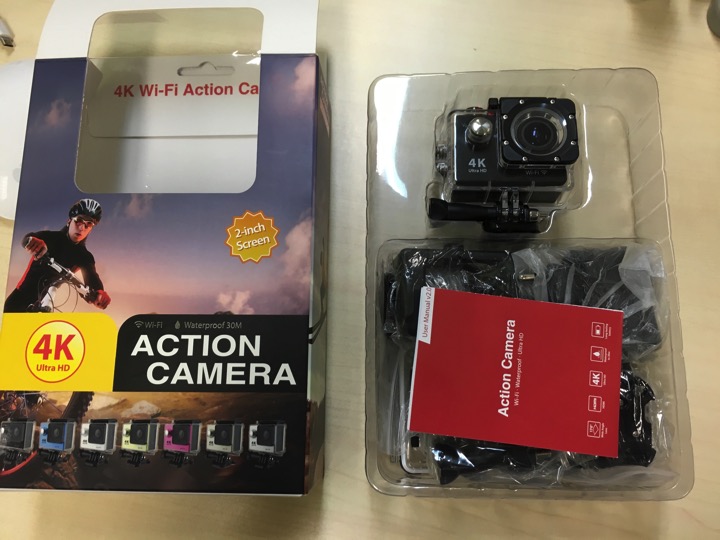
The box. It’s 4K. It is also Ultra HD. It is Wi-Fi. It is waterproof of 30M. It has 2-inch Screen. And it is an Action Camera.

It also have a Super Wide Angle Lens. 170 degree.
But the battery is only 1050mAh. I think it is a bit small. 50 mins to 1.5 hour, that’s it.

Unboxing.
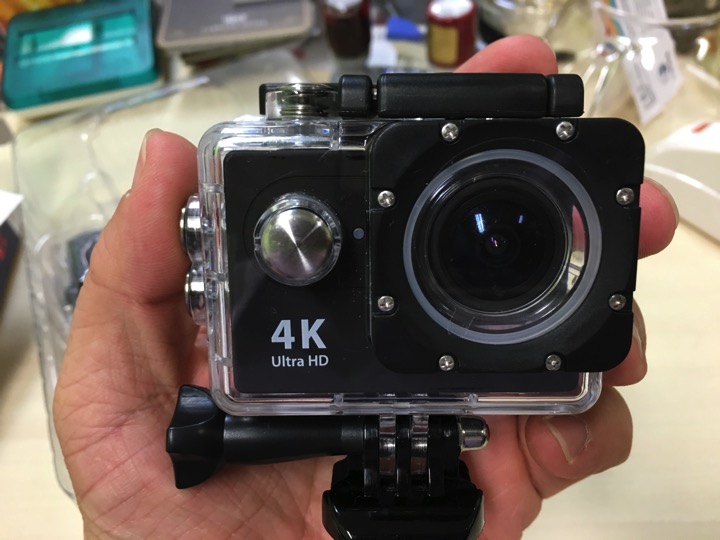
The waterproof casing has 4 buttons. Seems pretty secure.

The screen is quite decent. Not so intuitive UI. But after you get the hang of it, it is not so bad.
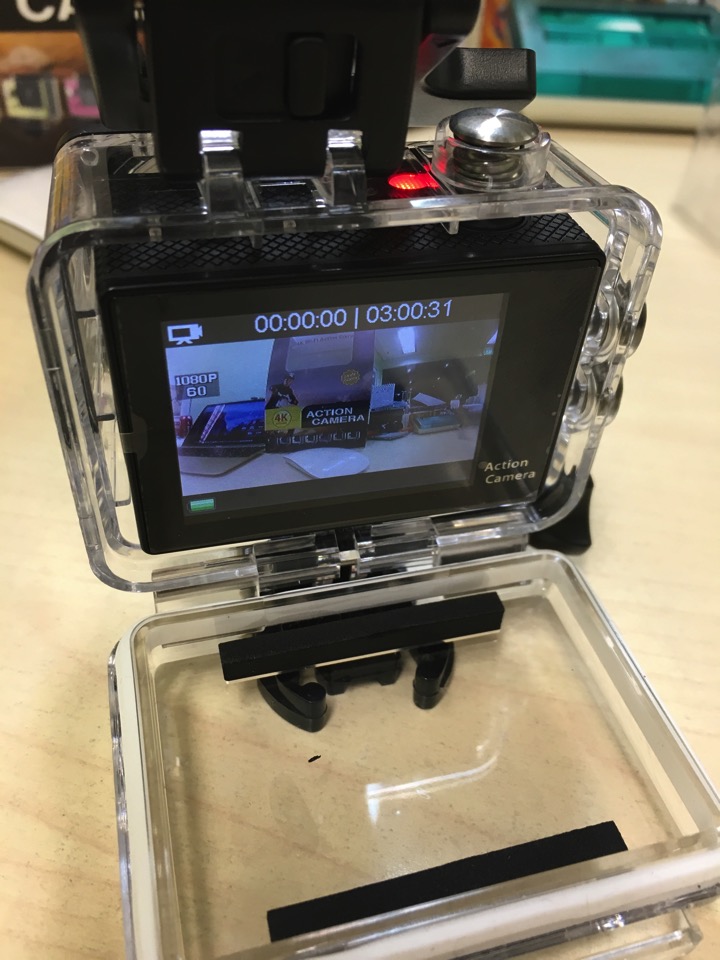
Looks very sleek. The ON-OFF button is at the front. The shutter button is on top.

The right side is the up and down button. The down button is also act as the quick switch for Wifi.

The left side has the HDMI port, the USB port as well as the micro SD card slow.

The bottom battery compartment is not so nice design. It has no connecting hook. So, don’t lose it. And the latch is not so firm.
This is the Made in China battery.

The manual is in English, and it is very impressive.

It is quite well written.

You will be more impressive with the mounting kit they gave you.
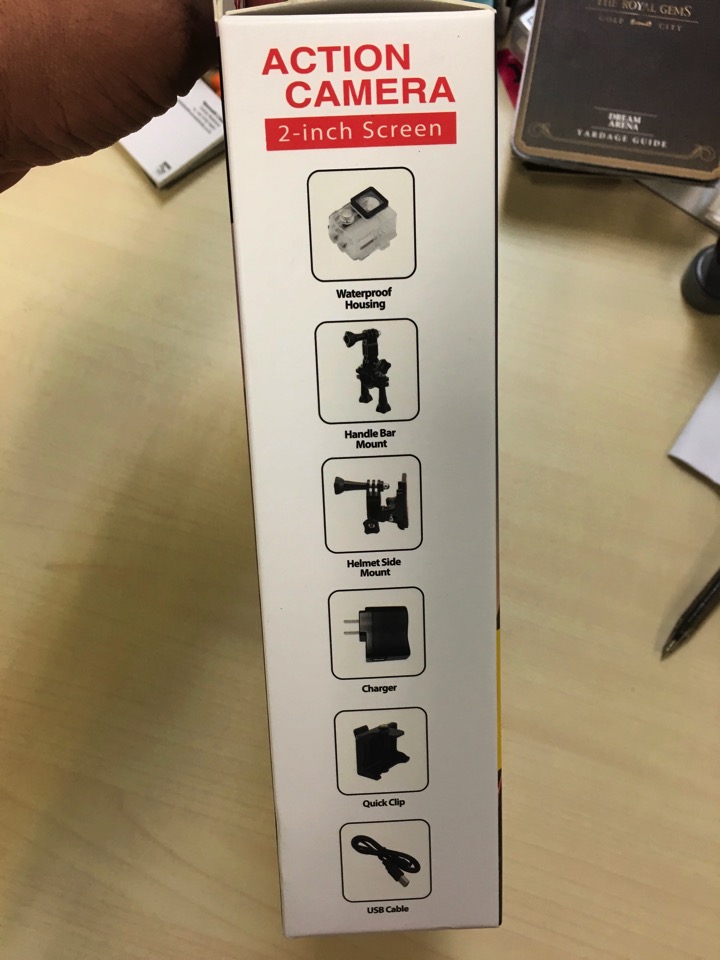
That’s is really impressive.
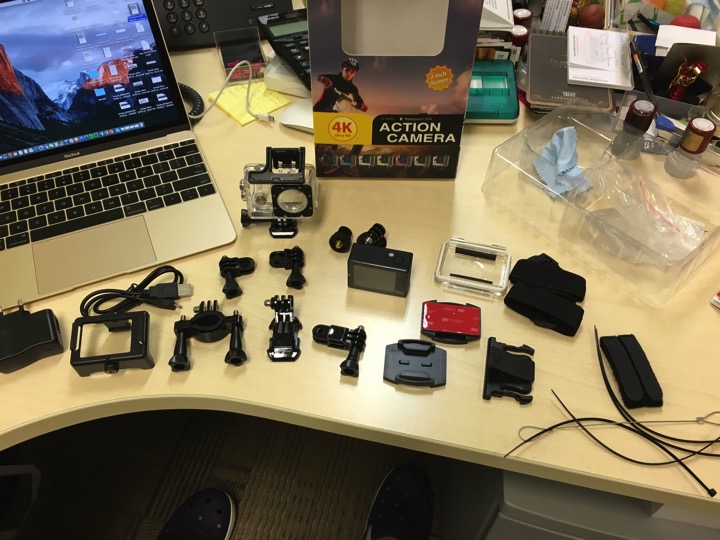
Yup, here are all the contents of the kit.

There is both iPhone App and Android App to download.

The Ez iCam is quite easy to use too. And after you connect to it, basically, you can use it to control your 4K Action Cam. (SPCA6330/6350 based).

The down button is to connect the Wifi.
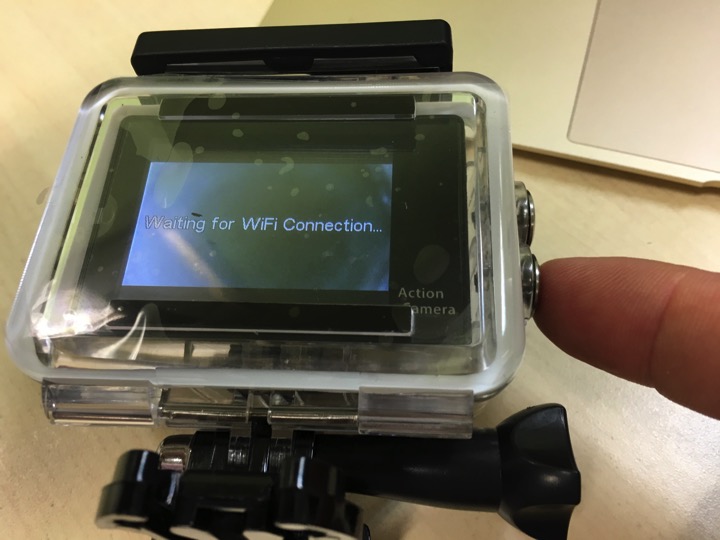
Yup, you can control almost all the items in here.

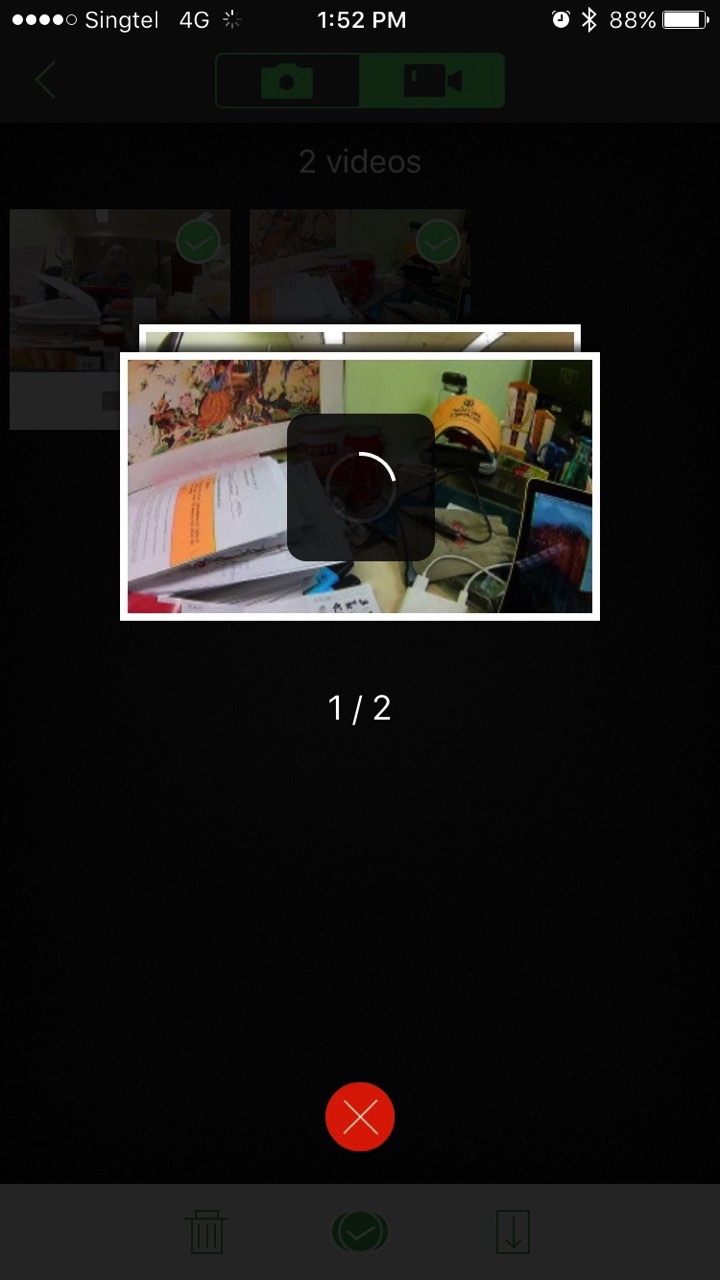
you can view the files. And of course, you can download them to your iMac, or your iPhone.

The download takes a long time.
OK, now, let’s put this into test. I went to East Coast Park and mount it on my bike. And see how the video performance. To me, it is pretty decent.

I never had a GoPro yet, so, I cannot say how it compare to GoPro. But except for some time the stabilising function not there, most of the time it is good. I need to set the exposure too as it was too bright the background some time. Need to learn how to set that.
Otherwise, it is a pretty decent cheap 4K camera.
It looks pretty decent! Definitely 4K quality. The following clips are uploaded to youtube. You got to have good Internet as Youtube is adaptive technology to play video.
Another video clip. As you can see the sea is too bright, so, we lost details on the sea. But I am sure there are some exposure setting we can use.
When the environment is darker, you can feel that the video quality has a lot of noise.
I still think it is pretty decent. But under the bright day light it is very hard to see the LCD screen. So it will be impossible for me to adjust the exposure.
I placed the camera pointing upwards. Wow, look at the details of me drinking the soup.
Overall, if you don’t want to spent the big bucks to buy Go Pro, may be can buy this from China and use it first. Wait until you really need that kind of power, then, you buy GoPro.
By the way, we went cycling again.

I think Kay Kay really love cycling.

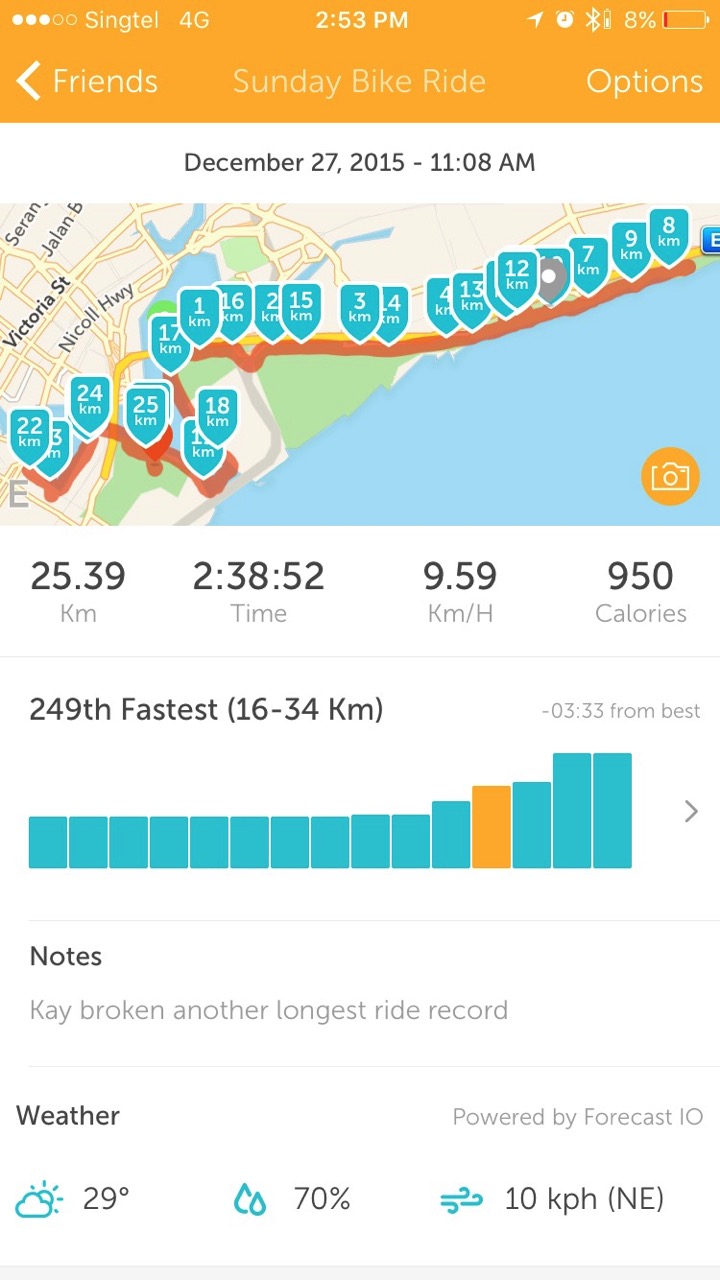
We cycle to Marina Barrage, East Coast Park, Garden by the bay and MBS today.

It is a nice feeling to cycle at MBS.

And today, both Jay and Kay broke their record and cycle about 25.39KM using 2 hours and 38 minutes. Well done boys.