Showing posts with label Gadgets. Show all posts

Monday, February 15, 2016

Gadget Notes - Hulu - What I Watching Tonight?

Date:  Feb 15, 2016

Netflix has stirred up a lot of noise lately.

1.  Netflix has enter the International market.  You thought it is good, but end up you get a lousy collection of movies/TV shows.  According to news paper reporting, you get only 10-15% of the US library.  That is because there are many movies and TV shows has copyright, and Netflix simply cannot bring it to outside of US.

2.  Netflix has vowed to stop non-US location to get their US movie library thru VPN.  So, they are going to crack it down so that you, who is located in Singapore subscribe to watch “Singapore-version” of Netflix.

My friends asked me what am I watching nowadays.

I told them, I am watching the latest US TV series thru using the Hulu App on

1. Apple TV

2. Amazon Fire TV.

3.  iPhone / iPad / iPad Pro

I love Hulu more than Netflix!

IMG 1640

I used to hate Hulu.

I hated it so much that I refuse to watch anything on Hulu.

Because last time, to watch their show, you are forced to see their advertisement. 

And oh boy, their advertisement are really long.

Just as you thought you have finished watching the advertisement, there are more advertisement in a show.  About 4-5 advertisement.

Recently, they have come up a “No Commercials” version.

Paying another US$4.00 more.  (US$11.99 per month instead of US$7.99 per month).

And after I have changed my subscription, I love Hulu.  

With Hulu, you don’t need to download from Torrent anymore.  It is the right way!

Screen Shot 2016 02 15 at 9 41 27 PM

Hulu is competitor to Netflix.

Hulu is joint venture or joint investment from some major TV powerhouse in US.  All these network work together on a single platform to give you the latest TV shows.

All shows are latest.  You can’t get these from Netflix sometimes.

As it is somethings exclusive on a certain Network, such as Fox, ABC, etc.

Let me show you what I am watching, then you know why I love Hulu so much.

[Caution!!] You need a VPN to watch Hulu.  If you subscribe to ViewQwest with Freedom VPN or other equivalent from other ISP, then, you are all set.  Subscribing to Hulu should be easy, once you are in Geo Lock unlock environment, you can access to the Hulu sign up page.  There, you simply key in your credit card (without even change the ZIP code, you can place your Singapore credit card there.

IMG 1642

The X Files.  Nice to catch up with Fox mulder and Scully.  They look very old, aging in the show.  But the conversation still fun!

IMG 1643

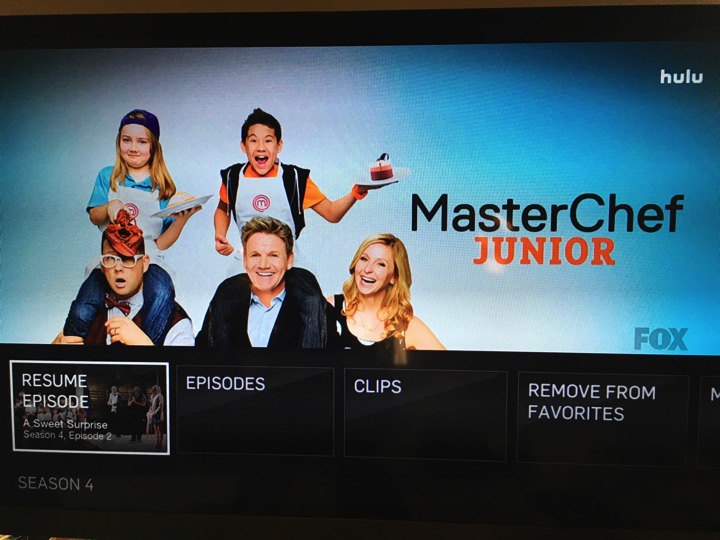
My sons are watching Master Chef Junior.  Season 4.
IMG 1645

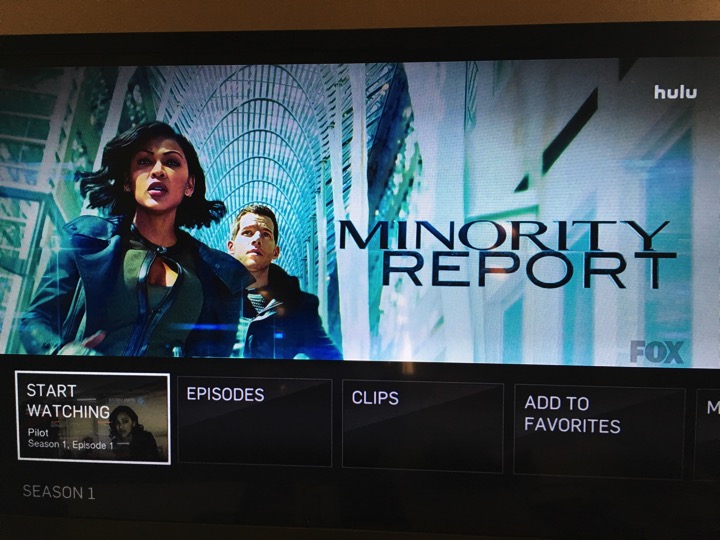
This is the TV series for Tom Cruise’s movie.
IMG 1646

NBC only has one TV show I am following.  But they have a lot of cool old 70’s and 80’s TV series.

IMG 1647

Although is a bit slow the story line but I still enjoy watching the latest series of Heroes Reborn.

IMG 1650

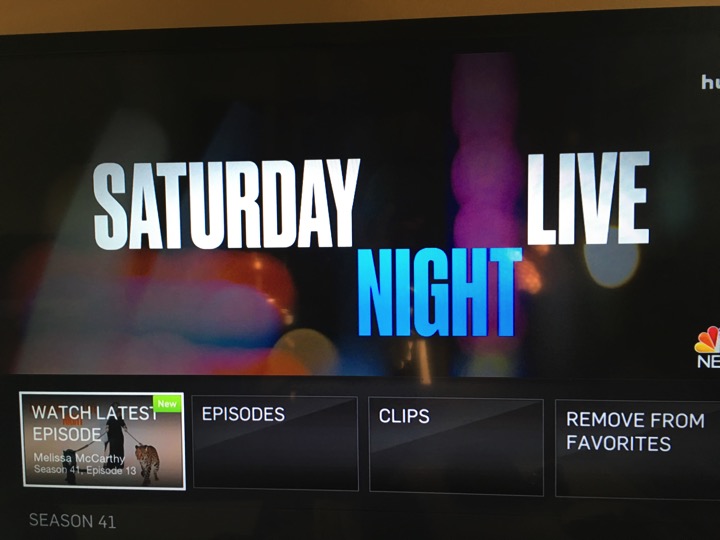
Don’t miss the Saturday Night Live.  Have you seen the episode where they have Adam Driver, The Star Wars Kylo Ren going undercover.  So funny!
IMG 1648

Battlestar Galactica.  The original series.

IMG 1653

Don’t make me angry.  You won’t like me when I’m angry.  The Incredible Hulk.

IMG 1654

From Comedy Central, you have the South Park cartoon.

IMG 1655

ABC has the most show I am watching.

IMG 1657

Learn from the doctors.  

IMG 1658

Agents Carter.

IMG 1659

Who is the terrorist from Quantico?

IMG 1660

Agents of Shield.

IMG 1661

Some cartoons from Nickelodeon are not bad too!

IMG 1663

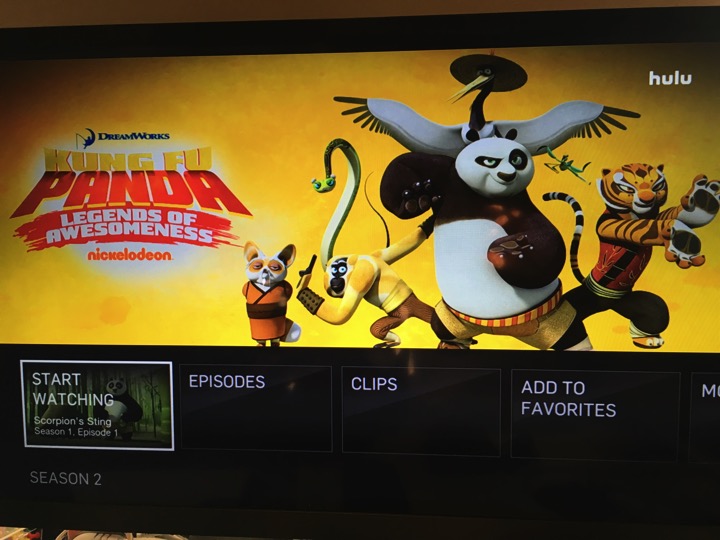
Kung Fu Panda.

IMG 1664

The Penguins of Madagascar.

IMG 1665

CW network.

IMG 1666

Legends of Tomorrow.

IMG 1667

The Flash

IMG 1668

Arrow.

IMG 1670

The 100.

IMG 1669

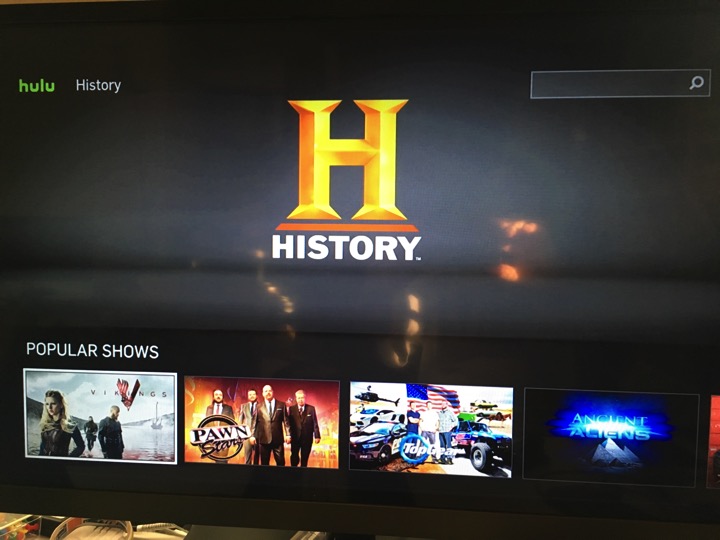
Watching Ancient Aliens on The History Channel.
IMG 1674

Documentary.  National Geographic Channel.

IMG 1677

Animal Planet.

IMG 1682

Discovery Channel.

IMG 1687

Anime.  Some dup, some sub.

IMG 1683

Korean and Japanese shows.  In English subtitle.

IMG 1688

Look what I found.

IMG 1692

And Gatchman.

IMG 1693

That is how I spent my free time, when I am not teaching my sons, not playing with them either, not exercising, not sleeping, etc.

I already got hooked on Hulu.  I have not even check out the movie sections yet.  All these TV programs will eat up all my time.


Saturday, February 13, 2016

Gadget Notes - CorkPops's Legacy Wine Opener

Date:  Feb 13, 2016

When it comes to wine opener, you can have a slow wine opener, those traditional type with a screw to screw the cork out.

Or you can use this.  I bought this from Mediya’s Wine shop.  

It is advertised as “The Ultimate Wine Opener”.

It is called Cork POPS Legacy.

IMG 1343

It looks like this.  

It comes with cutter to remove the foil.

It has long pin at the middle to poke thru the cork.

And a gas bottle to pump air into the pin and thus into the bottle.

The theory is to pump air inside the bottle to push the cork out.

IMG 1346

The cutter and the needle pin.

IMG 1347

The compress air can.  Pressing it will pump gas into the bottle.

IMG 1350

It is easy to use.

IMG 1344

Yeap, the cork pops out in less than a second.  No need to use any strength.

IMG 1345

Then, you turn anti-clockwise to slowly push the cork out.

IMG 1352

Here is the video how I open the wine using the Legacy.  Cool, right?

Sunday, February 7, 2016

Gadget Notes - Automatic OBD-II Adapter

Date:  Feb 6, 2016

Your car will give you a dashboard of info in front of you.
You will know what is the speed you are driving.
You will know your mileage.

Would it be nice if you can have more information displayed to you or more information or statistics collected for you so that you can know what is your driving habits, etc.

This is the toy I bought from Amazon.  You can buy from their website too.


It is basically a car adapter, connecting to the ODB-II port of your car and poll the statistics.
It also connect to your mobile phone, I.e. IPhone via Bluetooth.  The good thing about it is that it will collect the data and then, upload it to your account @ Automatic web site.  So that you can know all the driving statistics in your finger tips.


This is how the ODB-II car adapter looks like.  Now, it might be a challenge to find where is the matching ODB-II port located in your car.
One of my friend still up till today could not locate the ODB-II port.  This is usually used by the mechanics who wants to run diagnostics on your car.  So, sometimes it is hidden in the secret location.  Mine just located just in front of my gears.  And it is hidden inside a compartment.


Unfortunately, this product is created for the US market.  So, there are a lot of features that is US centric.  For example, if you crash your car, it will know, and it will automatically dial the emergency number that you pre-store on your phone.  Remember, it always connect to your phone via Bluetooth and you usually have 4G data on your iPhone.

If you felt something is not right with your engine, usually all the error codes will be presented here.


Take note.  Works in US only.


This adapter connects to your car and phone automatically when you start your engine.


It will keep for you trip reports for all your driving.  I.e. How far is the journey travelled.  And how much petrol it costs you.  Unfortunately, it is designed for US market, therefore, some of these info might not be useful to me.


If you plan to buy this, take note.  It works in US only.
When you configuring the adapter, it asked you to enter your car VIN number, (Chassis no). 


This is where they knew your car is not bought in US.
So, what do you do?  If you want to take the risk to use this adapter with your car, and although you might not get to use the full capability of the device (since it is designed for US cars).
1.  Write to the Customer Service.
2.  Tell them that you are from which country, what car you own, give them the year, model and the VIN number.
3.  Ask them to add your VIN "manually" into their database.
4.  Tell them that you are aware of this product works in US only.
5.  Tell them that you wish to take the risk to use it.
6.  Tell them that you understand some of the features cannot be used because it is used outside Singapore.

Then, they will add you.  I also found out that There is going to be a new beta testing for International use.  I think they will launch a few countries instead.  Might not included Singapore though...


This is the Automatic App running on iPhone.   The useful info is the distant travelled, equal to how much money spent.  They still use the US units and I have not found a way to change the unit yet.  The other piece of info is the "Hard Break" you have used in every trip.  They also tell you where you travel to and from.  Which is quite useful.


Another screen shots.  The features are quite limited on this iPhone App.


There are quite a number of App supports the use of Automatic ODB-II adapter.
Like this one, cost US$9.99, it's called Dash Command.
It provides more info.


They even estimates the CO2 emission of your car.
OK.  It also tell you the speed you are traveling.  Hmmmmmm.... Interesting...


More screen shots.


I have not really analyze the capability of this Adapter fully yet.  But I know it is very useful whenever there are data involved.

Data is important.  But sometimes can be a double edge sword too.  Hahahahaha

Have fun!