Showing posts with label IPTV. Show all posts

Monday, February 15, 2016

Gadget Notes - Hulu - What I Watching Tonight?

Date:  Feb 15, 2016

Netflix has stirred up a lot of noise lately.

1.  Netflix has enter the International market.  You thought it is good, but end up you get a lousy collection of movies/TV shows.  According to news paper reporting, you get only 10-15% of the US library.  That is because there are many movies and TV shows has copyright, and Netflix simply cannot bring it to outside of US.

2.  Netflix has vowed to stop non-US location to get their US movie library thru VPN.  So, they are going to crack it down so that you, who is located in Singapore subscribe to watch “Singapore-version” of Netflix.

My friends asked me what am I watching nowadays.

I told them, I am watching the latest US TV series thru using the Hulu App on

1. Apple TV

2. Amazon Fire TV.

3.  iPhone / iPad / iPad Pro

I love Hulu more than Netflix!

IMG 1640

I used to hate Hulu.

I hated it so much that I refuse to watch anything on Hulu.

Because last time, to watch their show, you are forced to see their advertisement. 

And oh boy, their advertisement are really long.

Just as you thought you have finished watching the advertisement, there are more advertisement in a show.  About 4-5 advertisement.

Recently, they have come up a “No Commercials” version.

Paying another US$4.00 more.  (US$11.99 per month instead of US$7.99 per month).

And after I have changed my subscription, I love Hulu.  

With Hulu, you don’t need to download from Torrent anymore.  It is the right way!

Screen Shot 2016 02 15 at 9 41 27 PM

Hulu is competitor to Netflix.

Hulu is joint venture or joint investment from some major TV powerhouse in US.  All these network work together on a single platform to give you the latest TV shows.

All shows are latest.  You can’t get these from Netflix sometimes.

As it is somethings exclusive on a certain Network, such as Fox, ABC, etc.

Let me show you what I am watching, then you know why I love Hulu so much.

[Caution!!] You need a VPN to watch Hulu.  If you subscribe to ViewQwest with Freedom VPN or other equivalent from other ISP, then, you are all set.  Subscribing to Hulu should be easy, once you are in Geo Lock unlock environment, you can access to the Hulu sign up page.  There, you simply key in your credit card (without even change the ZIP code, you can place your Singapore credit card there.

IMG 1642

The X Files.  Nice to catch up with Fox mulder and Scully.  They look very old, aging in the show.  But the conversation still fun!

IMG 1643

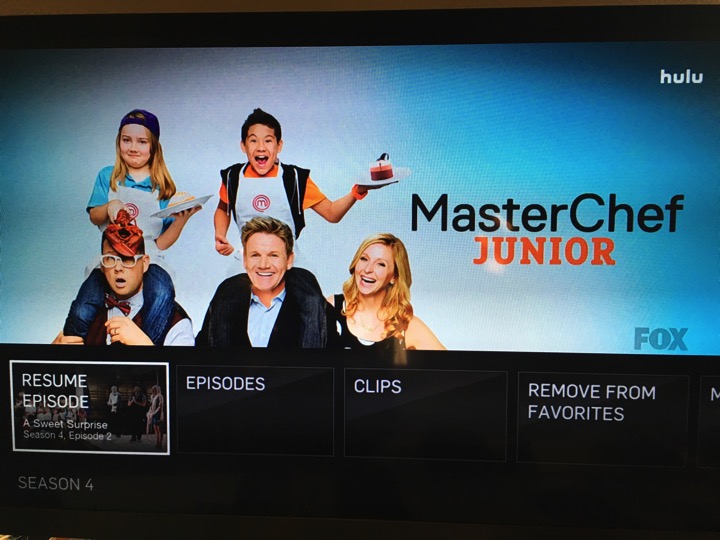
My sons are watching Master Chef Junior.  Season 4.
IMG 1645

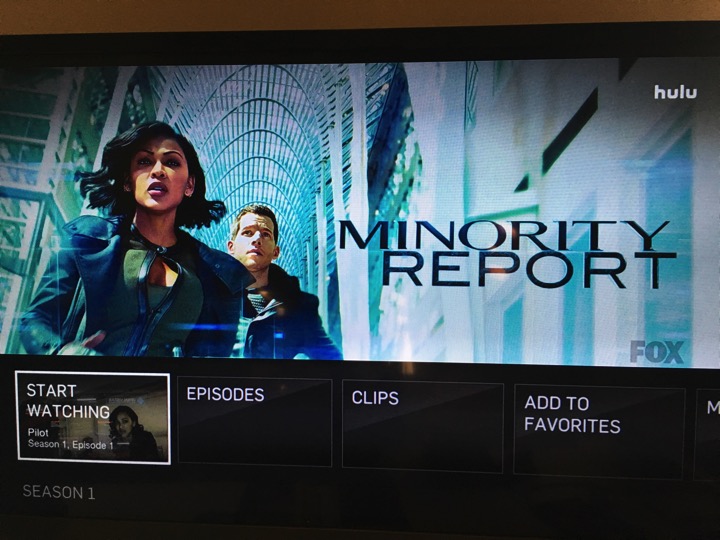
This is the TV series for Tom Cruise’s movie.
IMG 1646

NBC only has one TV show I am following.  But they have a lot of cool old 70’s and 80’s TV series.

IMG 1647

Although is a bit slow the story line but I still enjoy watching the latest series of Heroes Reborn.

IMG 1650

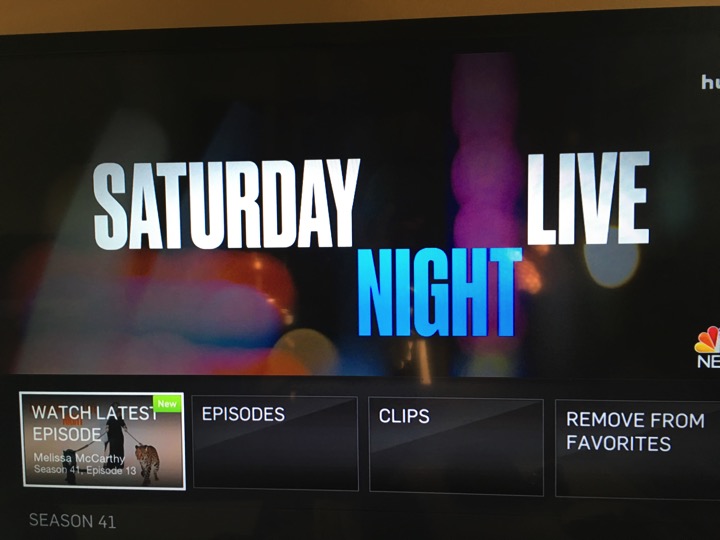
Don’t miss the Saturday Night Live.  Have you seen the episode where they have Adam Driver, The Star Wars Kylo Ren going undercover.  So funny!
IMG 1648

Battlestar Galactica.  The original series.

IMG 1653

Don’t make me angry.  You won’t like me when I’m angry.  The Incredible Hulk.

IMG 1654

From Comedy Central, you have the South Park cartoon.

IMG 1655

ABC has the most show I am watching.

IMG 1657

Learn from the doctors.  

IMG 1658

Agents Carter.

IMG 1659

Who is the terrorist from Quantico?

IMG 1660

Agents of Shield.

IMG 1661

Some cartoons from Nickelodeon are not bad too!

IMG 1663

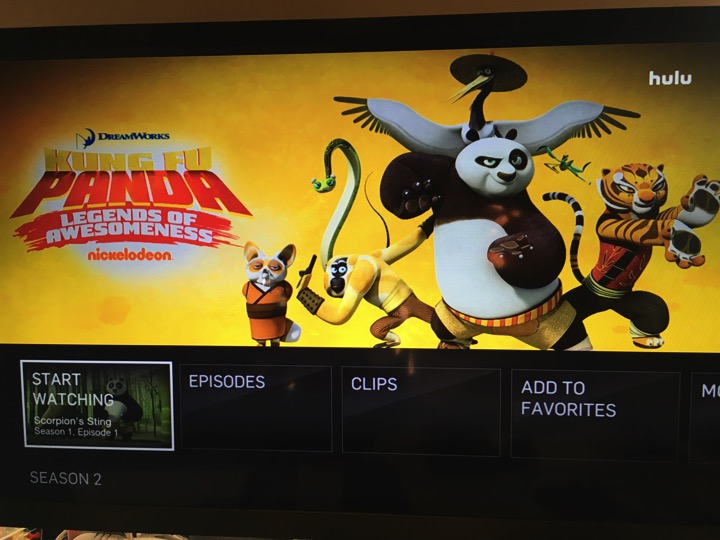
Kung Fu Panda.

IMG 1664

The Penguins of Madagascar.

IMG 1665

CW network.

IMG 1666

Legends of Tomorrow.

IMG 1667

The Flash

IMG 1668

Arrow.

IMG 1670

The 100.

IMG 1669

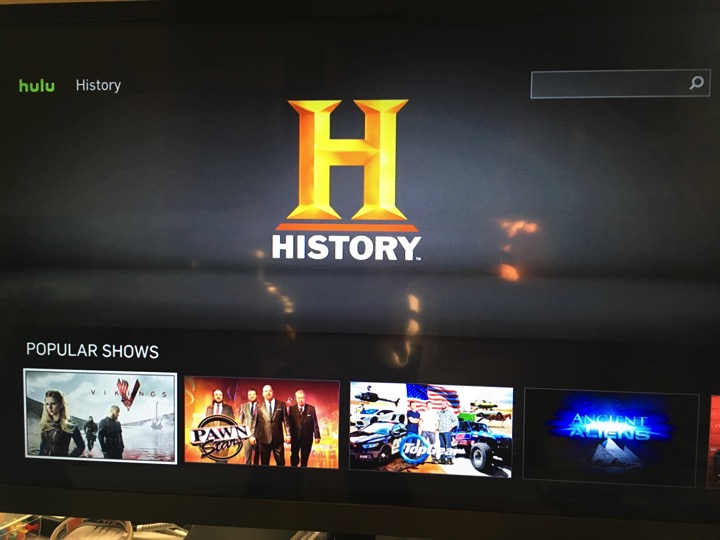
Watching Ancient Aliens on The History Channel.
IMG 1674

Documentary.  National Geographic Channel.

IMG 1677

Animal Planet.

IMG 1682

Discovery Channel.

IMG 1687

Anime.  Some dup, some sub.

IMG 1683

Korean and Japanese shows.  In English subtitle.

IMG 1688

Look what I found.

IMG 1692

And Gatchman.

IMG 1693

That is how I spent my free time, when I am not teaching my sons, not playing with them either, not exercising, not sleeping, etc.

I already got hooked on Hulu.  I have not even check out the movie sections yet.  All these TV programs will eat up all my time.


Sunday, October 11, 2015

The New Amazon Fire TV - Side-load 3rd Party APK OK!

Date:  Oct 11, 2015

(Info For Advanced Users Only)

If you don’t know what is going on here… read these first.

Why I think Amazon Fire TV is the best Media TV Box:  http://miniliew.blogspot.sg/2015/01/amazon-firetv-is-best.html

How to side-load 3rd party APK files onto Amazon Fire TV:  http://miniliew.blogspot.sg/2014/10/side-load-pptv-on-amazon-fire-tv.html

-----

This is the new Amazon Fire TV.  The one comes with 4K Ultra HD.

IMG 1678

It has faster processor and it can do 4K HD video.

IMG 1691

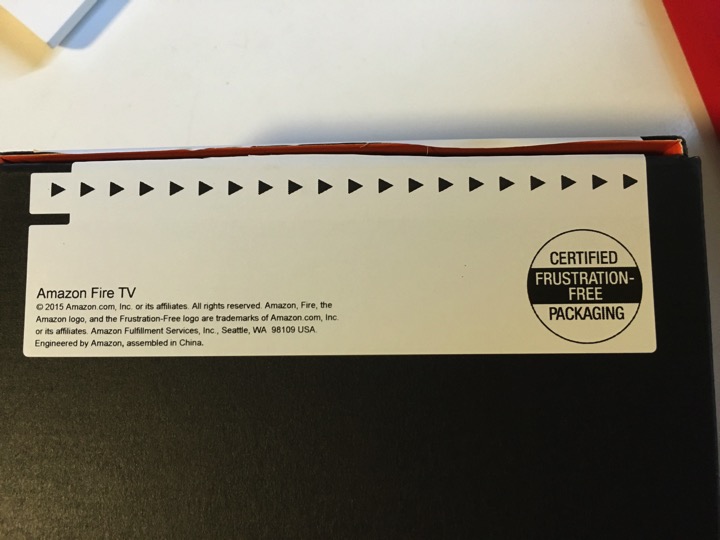
Certified Frustration-free Packaging.  It is simple packaging.

IMG 1689

Cool.  It comes with a Micro SD.

IMG 1695  1

I bought it from Amazon, so, they know me, they know who am I, so, they pre-configure everything for me as per last Amazon Fire TV box.

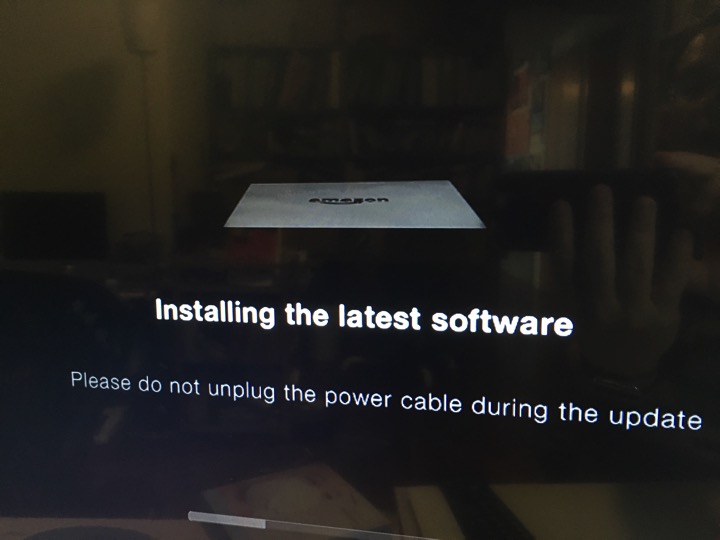
And once got has Internet, it will do automatically upgrade.

IMG 1696

So, very simple.

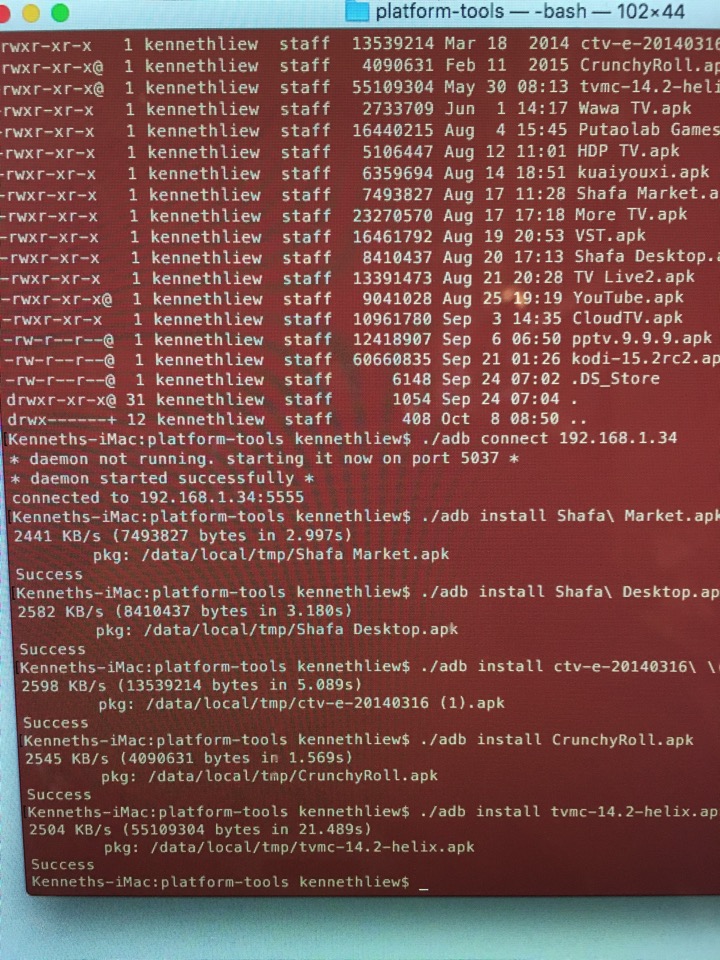
1.  Go to the Developer options, turn on ADB.

2.  Turn on to allow 3rd party software installation.

3.  Download Platform-Tools on your iMac or PC.

4.  Use the command line, and ADB to connect and install all the APK you wanted.

IMG 1698

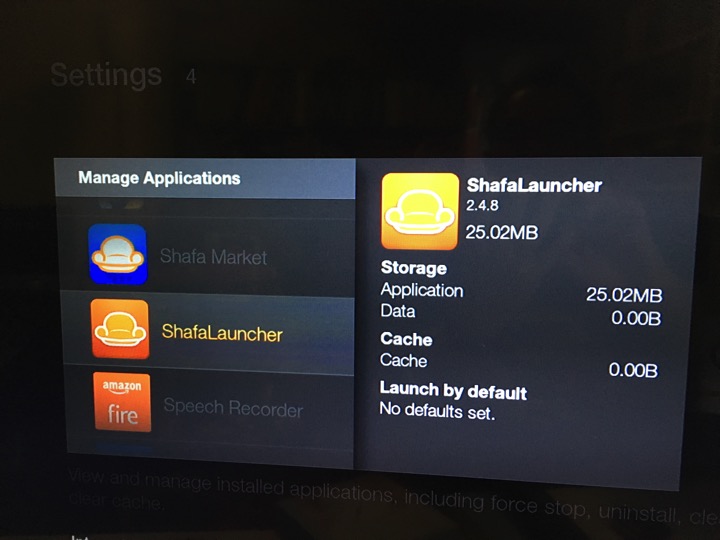
And yoo-hoo… Shafa Market and Shafa Launcher is installed successfully.

So, you can install

1.  Kodi, XBMC, or TVMC on it.  To watch your favourite movies, BBC iPlayer, etc.

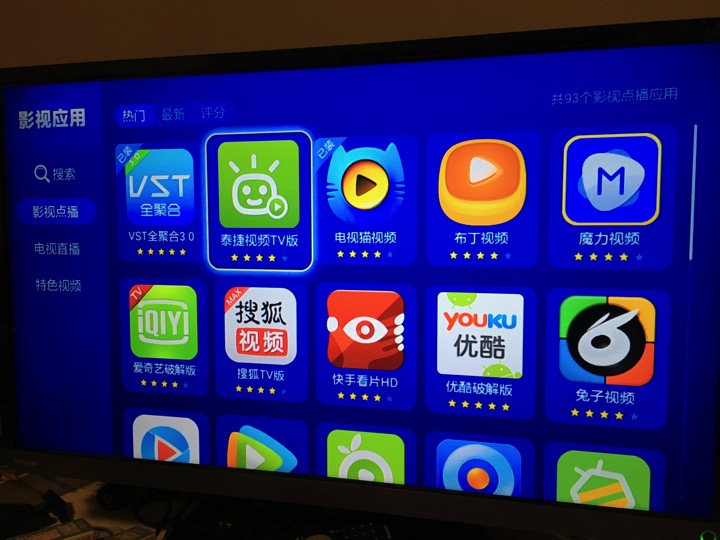
2.  All the wonderful Chinese App from Shafa Market.

3.  CloudTV for your TV channels.

4.  Use the native Netflix, Hulu, Amazon Instant TV, Youtube & Vimeo.  The App is so much better than the one you found out there for mobile phones.

5.  You can expand storage using USB hard disk or MicroSD card.

Everything run as per normal.  It is just another TV Set Top Box.  And it is much faster.

Hook up to 2x Game Controller, it shall replace my Xbox and Wii too for quick games.

IMG 1699

Sunday, October 4, 2015

The Thing About of IPTV

Date:  Oct 4, 2015

I learned something new the past week.  And I would like to share it here.  This article is for advance users.  Means, you are capable of Google for a topic, such as How to Install XBMC, or Kodi or TVMC, and you are able to understand and execute the instructions found.  :)  If you can do so, I am sure you are about to open up a brand new world of Steaming TV entertainment.

1.  IPTV is to

         a) watch Live TV,

         b) Video On Demand,

         c) Your own collections of videos, be it Home Video, or downloaded videos,

         d) Listen to music,

         e) Watch Youtube or Vimeo,

         f) Play Games,

         g) Watch Podcast, etc on your TV. 


2.  IPTV is about three things.

         a) Hardware - such as Amazon FireTV, Apple TV, Xiaomi, Android TV box, Minix, ViewQwest TV2, etc etc.

         b) Software - the Apps or Apks that allows you to watch the TV shows

         c) Contents - the web site that holds all these contents


3.  In the past, I have posted a lot of TV boxes, a lot of Apps that you can run to watch TV.  The false impressions is China has done a pretty good job in this.  All you need is to load nice simple desktop, and run the Apps from the Desktop.  As simple as that.

 IMG 1379

It is easy to use.  Once you launch an app, you get to see all these wonderful shows.  Almost every apps has similar shows and setup.  However, what differentiate them is where there place their contents and how they stream it to us.

Every ISP has different IP upstreams and different ways to get to these contents.  That is why some users complaint slow and buffering all the time, cannot watch.

It has nothing to do with these contents.  It is the ISP who decided what they allow you to watch.

Always remember the basic concept… ISP who owns TV channels are afraid that you no longer subscribe to their TV channels.  So, somehow, watching IPTV is not an enjoyable experience on these ISP networks.  These ISP afraid that if users start watching IPTV it will cannibalise their TV channels revenues.  Otherwise, these super rich ISP who always earn profits in Millions or Billions, don’t tell me they can’t hire the right people or find the right solutions to solve their network problem.

IMG 1380

The main point here is, I and some of the friends agrees that China is pretty advance in these IPTV streaming business.

We do not know what is their business model.  Or do they even have any business model, how they make money, etc etc.

But we enjoy so much.

Until the China Government started to come in to regulate these part of the business.

They start setting up a lot of rules.

All the software cannot be installed into the TV.

All the software running on the TV box cannot display on the TV without approval from the government.

It is a Cat and Mouse chasing game.

One by one, we see them (the TV apps) go down.  Then they come back up again, then, they go down.

So, what about the Western community.  We did not see any TV apps coming out from these western community such as US.

The only thing we cheered is Youtube, and Podcast.

So, I always thought that the Western world is lagging behind.

Until the last few weeks, when I start playing XBMC, Kodi & TVMC.


4.  What is XBMC?

XBMC stands for Xbox Media Centre.  I believe it is originally an application on Xbox which is the Media Centre to play your videos and music files.
Later, when it is open source, developers come up with various versions that can do many things.

To me when I look at it, it is like GOPHER. 

Hey, how many of you knows GOPHER?  The text base browsers.  The one like directory based navigation where you need to navigate inside to find information.  

XBMC is just like that.  I believe is a set of XMLs for people to display thumbnails, and contents, once selected, it link to the media player.

Kodi seems to be the new name for it.  So, we will use Kodi from now on.

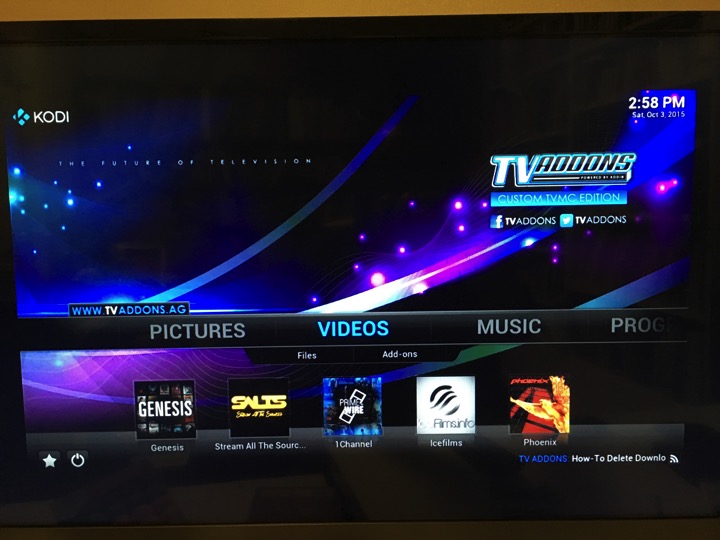
And TVMC is a special customised version that loads all the common, and popular IPTV streaming onto Kodi.

IMG 1392


5.  So, when I take a look at it, and google it.  There are tons of information out there to teach people how to customise their Kodi.  And all these developers, customised Add-Ons to easily access a certain content providers to get the video streaming.  You can watch almost everything you want.

For example, let’s say I want to watch Doctor Who latest episode, what will I do?

And the videos playback is very good.  It stream from Akamai.  The quality s at least 720p.  And it all depends on your ISP network too. 


6.  There are many Add-ons out there.  This is similar to the APK we found from the China Shafa App Store.  The Kodi/TVMC is like the Shafa Desktop.  The biggest different is, Kodi reads the XMLs informations and thus, it is easy to customised the Kodi Add-On contents.  As for the APK from Shafa App store, all those are APK, means software by itself.  If the developer need to change anything, they need to write the software to change it.  As for Kodi, it is a consistent platform.  All you need to do is to change the feeding information to him.  It is very simple, not so fancy too.  May need a lot of navigation clicks, but it does the same thing.  And the whole world is using it.  You can get Spanish show, you can get Korean movies, etc etc.


7.  As CartoonHD APK got shutdown.  This is my new way of watching English movies and TV streams.  I am still trying to understand it too.  TVMC somehow does not work on my Xiaomi, so, TVMC runs on my Amazon FireTV.  The Live TV somehow does not work on Xiaomi TVbox too, only have sound no video.  Something to do with the hardware.  But it support others Android platforms (True Android).


I will share more once I know more about it.  For now, I am watching all the TV series and latest movies from US on Genesis, Doctor Who on BBC iPlayer, Apple Podcast, etc.  All these add-ons available on TVMC.


Saturday, June 6, 2015

Intel Compute Stick - I Like it!

Date:  June 6, 2015

[Latest updates of the blog is way below]

It cost about US$150.  

It is very small.  

It is like a huge thumb drive.

It is a PC.

Running Windows 8.1.

Oh ya, Starhub offer it too.  But too bad, Starhub is not ViewQwest.  So, a lot of things might not work without VPN.  i.e. May not be able to run Netflix, Hulu, PPTV, BBC iPlayer (on Web Browser, because of GeoLock).

IMG 4200

It runs Quad-core Intel Atom processor.  These are the specifications.

IMG 4271

Basically, it can be plugged into any TV with HDMI port and turn your TV into a big monitor for the PC.

Let’s unbox it now.

IMG 4272

Comes in a very small box.

IMG 4273

Power button, a micro USB for power input, a USB port.

IMG 4274

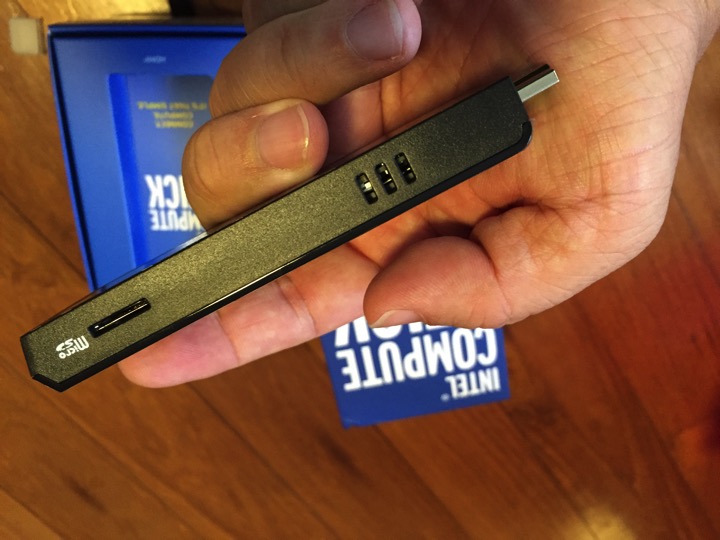
a Micro SD card slot for additional storage.  Some ventilation holes.

IMG 4276

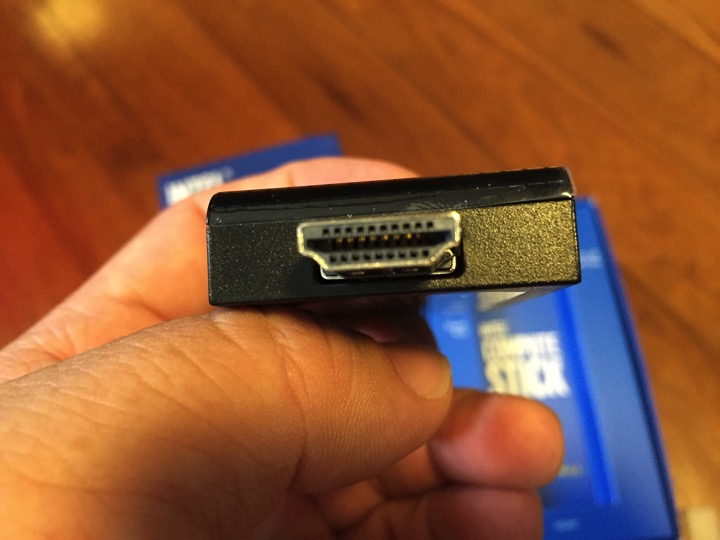
The HDMI port.

IMG 4277

Underneath the compartment, very messy.  Typical “don’t care about packaging” messy.

IMG 4279

It has a HDMI extension cable.  For those who cannot plug in properly the Intel Compute Stick (cannot plug vertically or horizontally).

IMG 4280

The MicroUSB cable for the Power.

IMG 4281

Comes with this.  Anti-Virus software.

IMG 4282

Wow.  Free 1 year.  But it is not pre-loaded on the Compute Stick.  Strange.  Very unfriendly.

IMG 4283

Power adapter.  5V-2A output.

IMG 4285

With different countries adapter head.

IMG 4284

Ugly.

IMG 4286  1

Seems complicated instructions sets.  hahaha 

IMG 4289

Hey, that’s new.  It also have a Ubuntu version.  But that will ship at the later date.  After June, I think.

And it is $40 cheaper too. 

IMG 4288

You can connect a Bluetooth keyboard and mouse.

IMG 4290

Or you can connect your keyboard and mouse via a USB Dongle.  hmmm… 

Interesting.  Very confusing.  Because there is only 1 USB port.  So, if you have two Bluetooth or Wifi devices?  Then, how are you going to connect?

So very likely, you going to use a USB hub.

IMG 4291

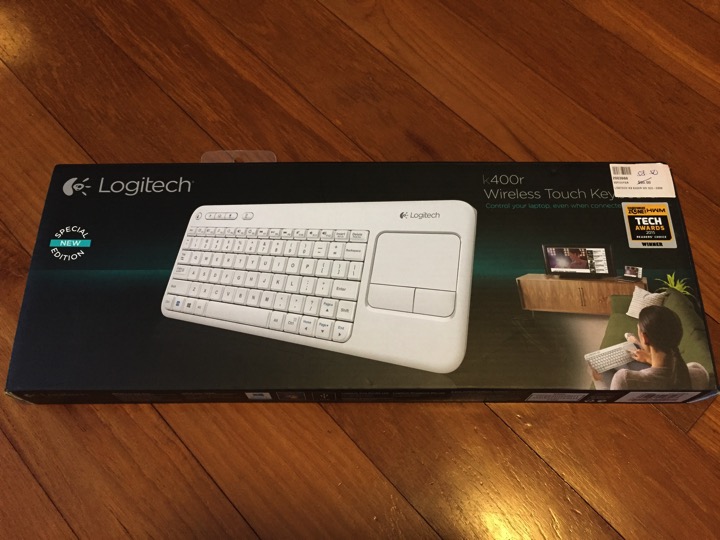
So for me, I use a Wifi Dongle with keyboard and touchpad together. 

IMG 4292

Very ugly, not elegant at all.  Just imagine, if you plug another USB hub and make it looks even ugly.

IMG 4293

Let’s power it up and connect it up to the TV.

IMG 4300

Let’s set it up.  Takes about 10-15 minutes to setup.

IMG 4295

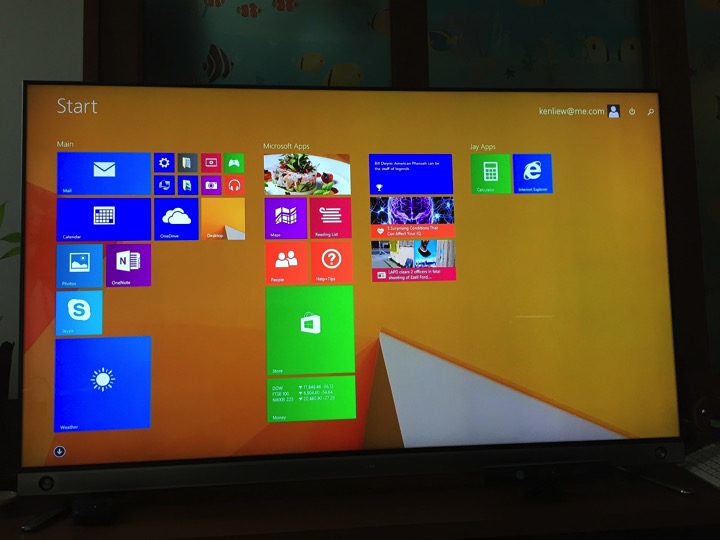
Wow… Now I am impressed.

IMG 4302

Remember, it is only 32GB storage.  So, hook it up to your OneDrive, you will be fine.

IMG 4303

Just in case, I need to install any software.  I plug in a Micro SD card.  16GB more storage.

IMG 4305

Depends on how big is your TV and how far is your TV from where you work from, you might want to increase the font a little bit bigger.

IMG 4306

I tried to install a few Apps.  Such as Facebook, Hulu Plus, Netflix, but I failed to make it run.  I am not sure why these Apps does not run.  Then, I tried to download other Apps from the App Store, and it does not run too.  I tried some of the stock Apps such as Weather, Money, they too does not run.  

So far, only Google Chrome web browser are successfully run on the Intel Compute Stick.

Not sure why.  But I guess the Apps needed to be updated to run on a Atom processor.  May be.

So, I used Web Browser to do everything. 

In fact, that is one of the recommended way of using Intel Compute Stick.

Everything from web browser, everything from the Clouds.

Let’s test out BBC iPlayer.

Take Note!  I am using ViewQwest 600Mbps with Freedom VPN.  It supported BBC iPlayer (breaking the GeoLock).

IMG 4307

You can zoom out the video to full screen, and surprisingly, the video quality is excellent.  

IMG 4308

This live TV streaming is from BBC iPlayer, and it run smoothly without buggering.  And in HD too.

IMG 4309

I can use the touchpad or mouse to navigate.  And choose the channel I want to watch.  BBC parliament.  And is clear and HD too.

IMG 4311

Next thing to try out is Toggle from MediaCorp.  Hey!  They have 11 SEA Games channel, running live TV streams.  This is the Boxing Channel.

IMG 4314

The Interface is lousy.  But with patient, you can select channels you want to watch.

IMG 4315

MediaCorp Channel 5.

IMG 4313

Running facebook without problem.

IMG 4319

Running Facebook video and Youtube video without problem.

IMG 4320

Netflix.

IMG 4327

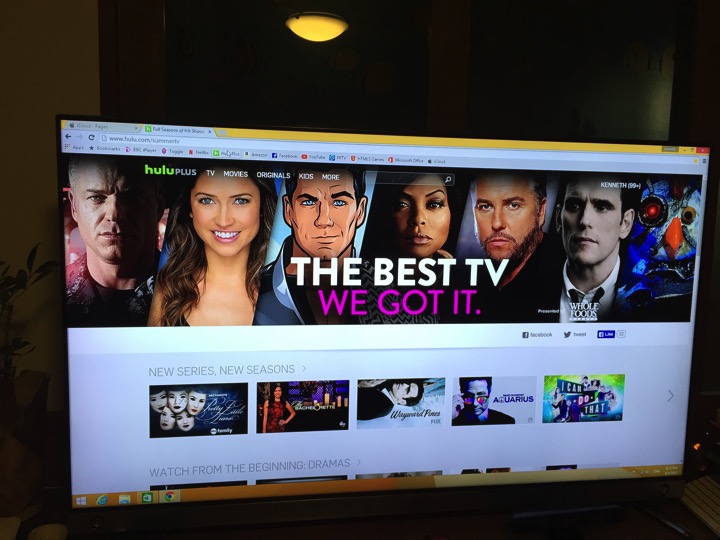
Running Hulu Plus.

IMG 4328

It is a PC Stick.  So it is not powerful to run full game apps.

But should have no problem running HTML5 games ports.

IMG 4323

I setup all my email accounts using the Mail app that comes with windows 8.1.

I run Office Online too.

You don’t have to install Microsoft Office. 

IMG 4324

I can easily edit my document in OneDrive or Dropbox.

IMG 4325

I can also use the online version of Pages, Keynotes and Numbers too from the iCloud.com website.

IMG 4326

In summary.

1.  I like it.  Because it is just a small thum drive stick.

2.  It is very portable and you can carry it around. 

3.  It is lighter than a laptop.  But you need to carry the power adapter plus the accessories.

4.  It has enough power and fast enough to do everything online.  Editing document, creating presentations, reading emails.

5.  As long as you do everything on the clouds, it should be OK.

6.  I use it as a IPTV too.  I so far running everything from the Web Browser.  BTW, I am using Google Chrome.

7.  So, my future project is to slowly explore its capability, and find more IPTV, etc.

8.  Imagine that you going to oversea, you simply bring the Intel Compute Stick to oversea and plug it into the TV HDMI port.

9.  Imagine you go office, you can also bring the stick along anywhere.

10.  I am not a heavy users.  So, In my opinion, for people like me, it is sufficient.  I like it!


Updated on June 25, 2015:

I complaint about the Windows 8.1 running on the Intel Compute Stick does not run most of the Apps properly.  It seems that Intel picked it up, and some one from Intel or Intel marketing team kindly send me an email to guide me how to get the bug solved.

Screen Shot 2015 06 26 at 7 19 15 am


So, I downloaded the patch.

http://www.intel.com/support/motherboards/desktop/stck1a32wfc/sb/CS-035620.htm?wapkw=compute+stick+app

Follow the instructions on it.  And I managed to run Facebook, Netflix, Hulu windows apps successfully.  

My Intel Compute sticks rocks again! 

Please take note, that you will need to run the patch as Administrator.  You cannot skip that step.  Enjoy!


Updated on June 7, 2015:

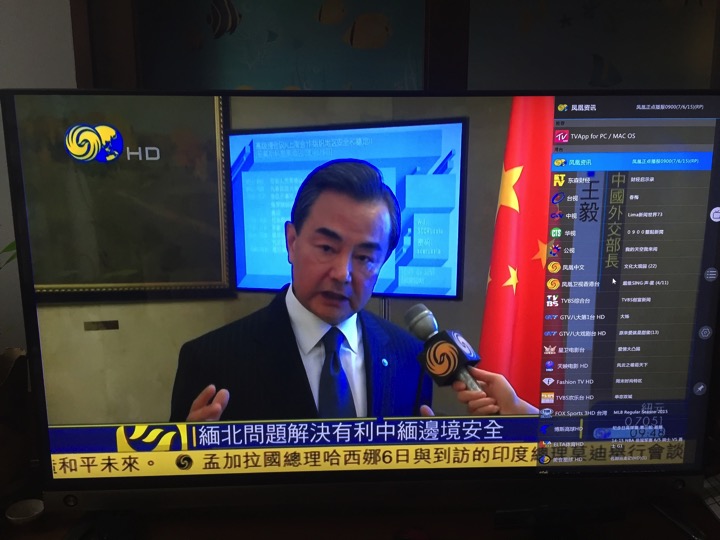
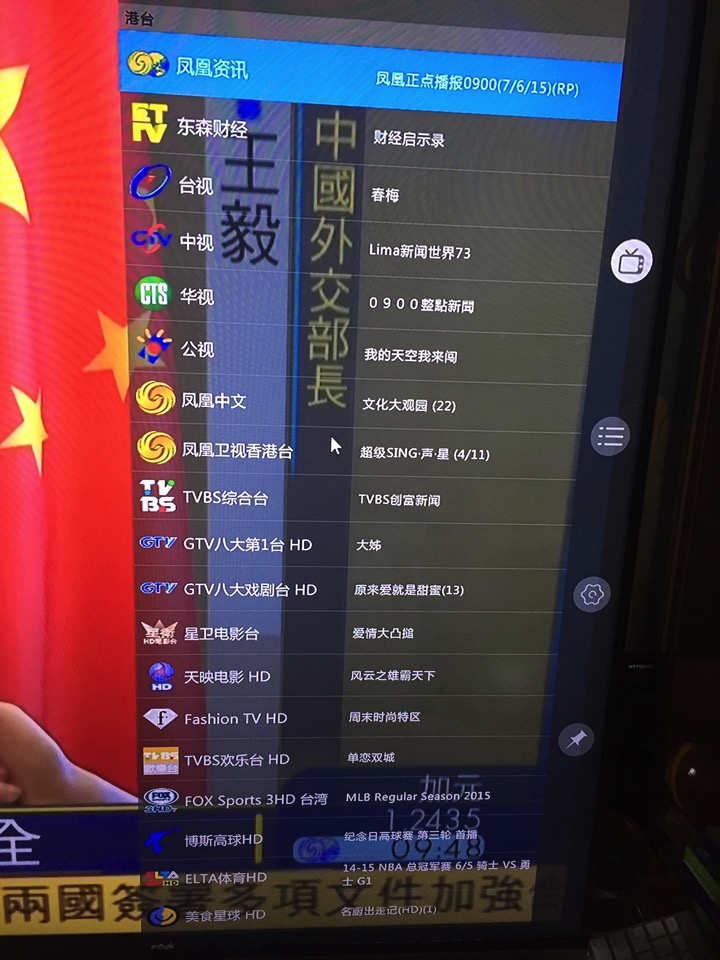
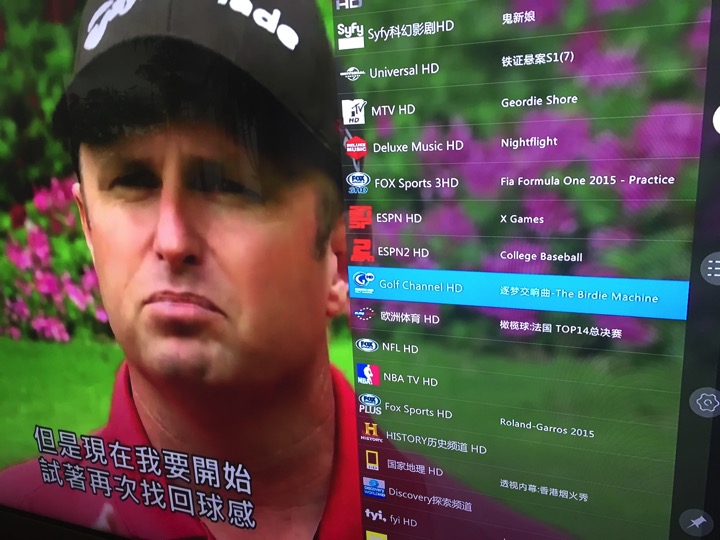
A friend from the facebook reminded me that I can install TVAPP.So on it.

IMG 4337

They have an app for Windows 8.1 PC.

IMG 4336

After installed, you can launch the TVAPP.So in full screen.  It’s HD quality is impressive.

IMG 4338

you control the channel by using keyboard and touchpad.

IMG 4339

The android App of TVApp.So does not work on Xiaomi or any android box.  But the PC version can be run on Intel Compute Stick.

IMG 4340

And when this is hooked up to your 65” LG TV, it looks so nice.  

IMG 4341

Now, I have TVAPP.So in my living room.

IMG 4343

I will continue to post updates in this blog whenever I found a good app or good practise to use the Intel Compute Stick.

Updated on June 8, 2015:

One of my friend on a forum asked me to install Kodi.

 IMG 4512

I installed Kodi and some of the video streams.  And it works well on Intel Stick.

IMG 4516

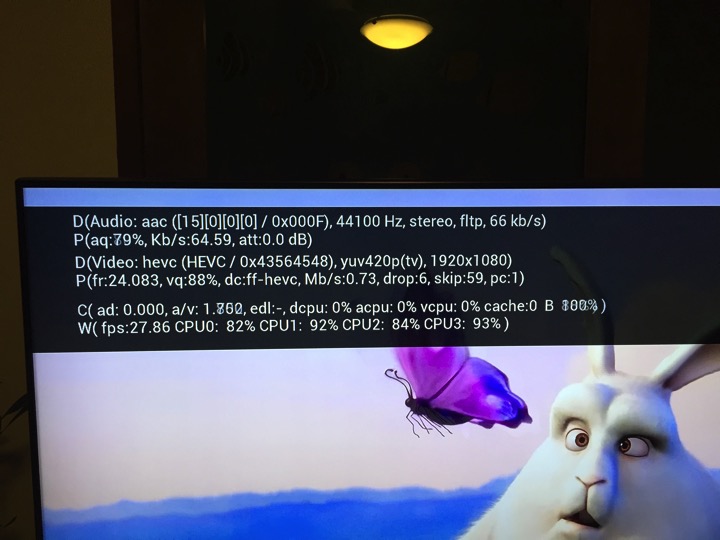
It seems to run pretty well for 1080p.

IMG 4520

I downloaded a video file to test out 1080p performance.

IMG 4526

Made a mistake of running it of the MicroSD card installed on the stick.  It is slower, the video is a bit jerky.  The CPU is doing a lot of work.  I am guessing it is reading from a slower storage.

IMG 4528

Then, I copy the files to the internal drive, and run the same video file from there.  The performance is much better.  And can always achieve > 24fps.  Video is much smoother.

IMG 4535

OK.  Now it is doing its first Windows Updates.

IMG 4539

Stay tunes….